Still using Figma? You're not late.
You can do a lot without it. If design is your profession, you still need the craft, and here's how to train it on your own project.

UX design and artificial intelligence ·
If you're starting out and every week you read that using Figma means you're behind, I get why that stings. You barely learned the tool, and someone's already calling it dead.
You can do a lot without Figma, especially if design isn't your profession. But if it is, and you want to keep delivering professional work and not amateur work, you still need the craft. That's where you have room to make something of your own, because when you make what everyone makes, you don't stand out at all. Designer Florian Boelter wrote something close to this on LinkedIn: he often goes straight to code, and still thinks telling learners they've fallen behind is a terrible message.
Your eye learns by seeing the difference
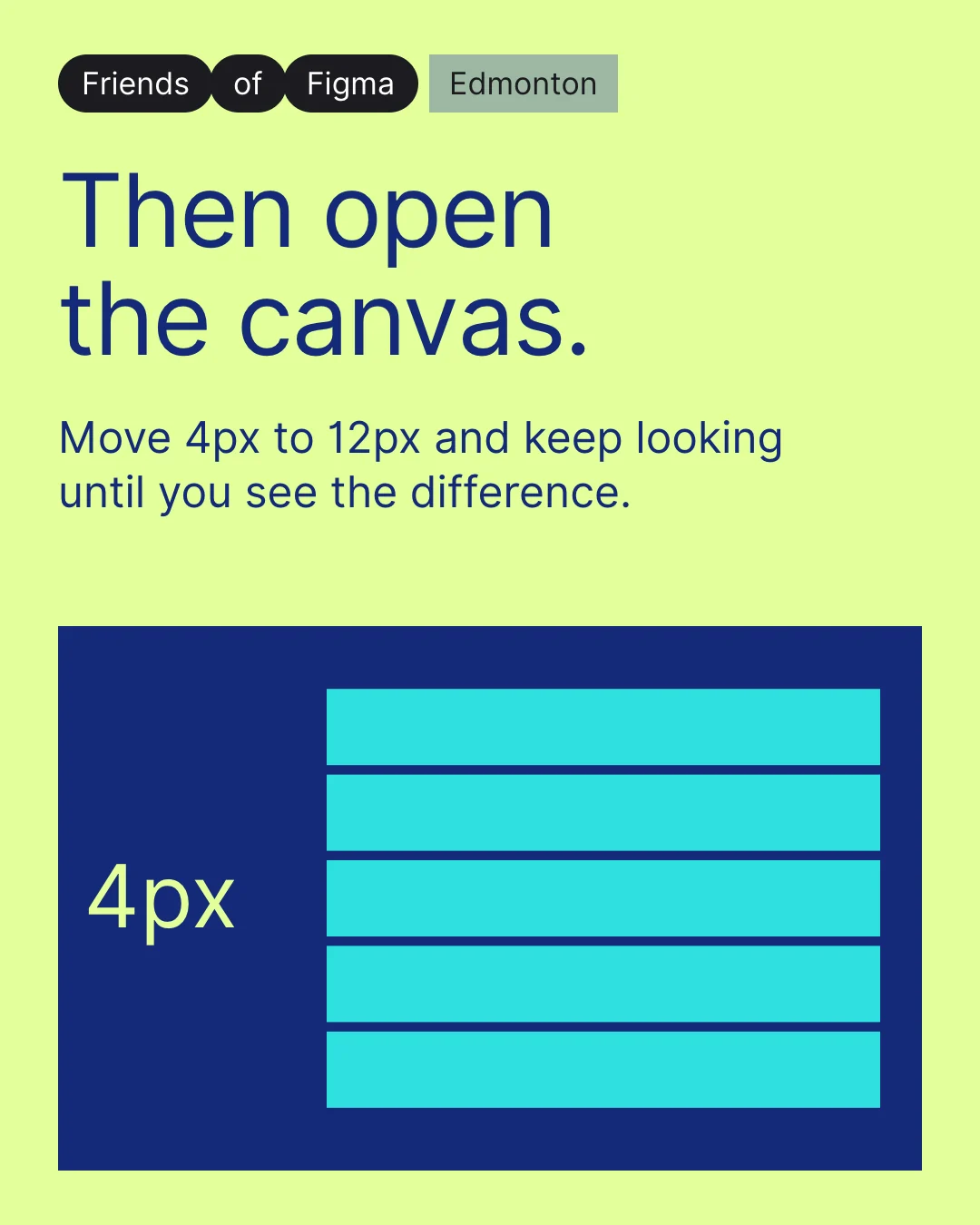
Judging spacing, hierarchy and composition is a perceptual skill. It grows when you change one thing and compare before and after, over and over. It's like learning to cook: you taste, oversalt and try again.
Several versions before deciding
When you look at a single version, you tend to accept the first one that seems fine. With several side by side, it's easier to see which one is really yours and which one anyone would make.
When to move to code
Code and agents win when the question depends on real things: data, interaction, response time, behaviour on a phone. Boelter recommends learning both and building real things. He also thinks nobody has fully solved iterating with agents yet, at least for the way he likes to work.
- Comparing look and hierarchy? A canvas is usually enough.
- Depends on real data or interaction? Go to code.
- Want to see many options at once? Canvas.
- Testing with people actually using it? Code or a working prototype.
What you can let go
Boelter also says nobody needs to master every corner of Figma anymore, or spend as much time on traditional handoff. I'd keep whatever helps you explore and decide. Learn the rest when you need it.
Two-week plan to train your eye
Paste it into a chat with a project of yours.
You're my design mentor. I'm a beginner. Project: [describe]. Tools I have: [Figma, Claude Code, Codex, etc.].

1. Diagnosis: ask me 5 questions about what I already know.
2. Fix: build 10 short exercises using screens from my own project, mixing canvas and code, each training one decision: spacing, hierarchy, composition, copy.
3. Review: on each exercise, ask what I changed and why before giving your opinion.
Curious by nature.
Human by design.
Come in early as a participant or an organizer, especially if you're a student or starting out in AI. Follow @fofedmonton.
Join as an early participant